
Disclosure: This article contains an affiliate link. If you purchase through it, GlobalMK may earn a commission at no additional cost to you. We independently review products and aim to present their strengths and limitations fairly.
Good images matter in almost every online business. Blog posts, social media campaigns, product pages, presentations and paid ads all need visuals that look polished and load quickly. PhotoKit is a browser-based photo editor designed to bring common editing and batch-processing tasks into one accessible workspace—without requiring a traditional desktop design suite.
What is PhotoKit?
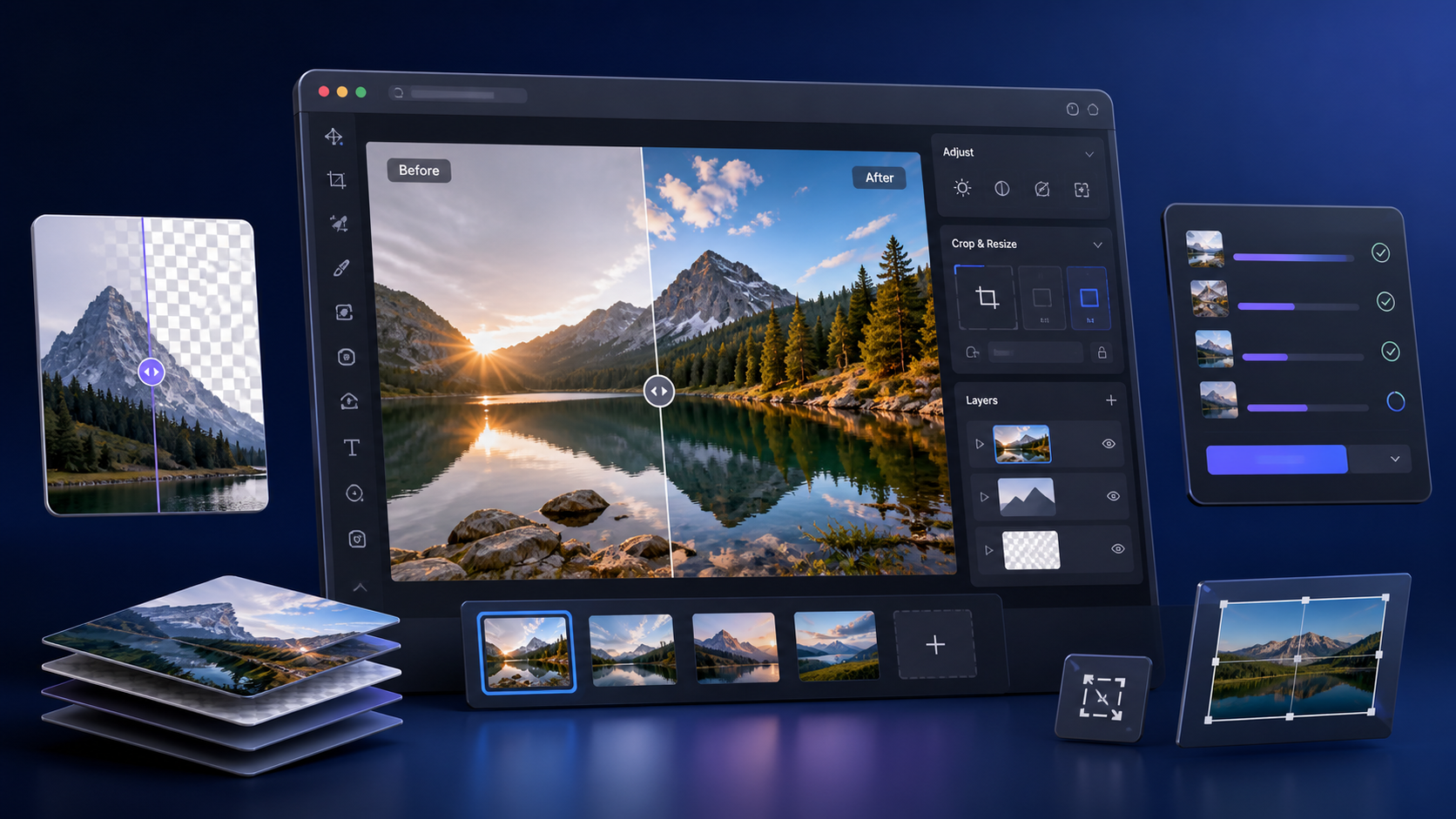
PhotoKit is an online image editor with tools for enhancement, portrait retouching, background removal, effects, collages, cropping, resizing and rotation. Its commercial offer also highlights a batch editor, a Chrome extension and support across major browsers. Because it runs online, it can be attractive to creators and small teams that want to handle everyday image tasks without installing a complex application.
The current sales page lists a one-time price of $69.99 and a 60-day money-back guarantee. Pricing and offer terms can change, so always confirm the latest details on the official checkout page before purchasing.
Seven practical benefits
1. A broad toolkit in one place
Instead of switching between separate tools for cropping, background removal, retouching and filters, PhotoKit groups these frequent jobs in one interface. That can make routine content production more consistent.
2. Fast background removal
Removing a background is useful for product photos, thumbnails, profile graphics and promotional creatives. PhotoKit includes a cutout workflow intended to simplify this task for users who do not want to trace every edge manually.
3. Batch image processing
One of the most commercially useful features is batch processing. The platform lists bulk resizing, cropping, compression, conversion, watermarking, filtering, renaming and downloading. For a blog or store with many assets, processing a group at once may save substantial repetitive work.
4. Everyday enhancement and retouching
PhotoKit provides tools for clarity, exposure, color balance, smoothing and object removal. These are practical adjustments for correcting an image before publishing it, although the final result will still depend on the quality of the source file.
5. Layer and object support
The editor supports objects and layers, which can make simple compositions easier to organize. Users can place text, shapes and graphic elements while keeping parts of the design independently editable.
6. Wide format and language support
According to the marketplace listing, PhotoKit supports formats including JPG, PNG, GIF, BMP, WebP, TIFF, ICO, SVG, HEIC, PSD, JFIF, AVIF and RAW. It is also offered in English, Chinese, French, German, Russian, Portuguese, Spanish, Japanese and Korean. This broad coverage can be helpful for international teams, though compatibility with complex files should always be tested before committing a large workflow.
7. Browser-based access
A web-based editor can be convenient when you work across different computers. The sales materials highlight Chrome and Safari compatibility as well as a mobile-responsive experience. For demanding professional projects, however, performance will depend on the browser, device, connection and file size.
Who is PhotoKit best suited for?
- Bloggers who need to resize and optimize article images.
- Affiliate marketers producing landing-page and ad creatives.
- Social media managers creating frequent visual variations.
- Small online stores preparing product images.
- Creators who want simpler tools for thumbnails and promotional graphics.
What to consider before buying
PhotoKit is positioned as an efficient general-purpose editor, not a replacement for every advanced desktop workflow. Professional designers who rely on precise print controls, complex typography, deep color management or large multilayer production files should test the platform carefully. Browser tools also depend on internet access, and automated features may need manual refinement on difficult images.
Before purchasing, try the available editor with your own typical files. Check export quality, processing speed, format compatibility and whether the workflow is comfortable on the device you use most. Also review the current license, privacy policy and refund terms on the official pages.
Final verdict
PhotoKit is worth considering for creators and small businesses that regularly perform practical image-editing tasks and value convenience over a steep learning curve. Its combination of background removal, enhancement, layers and batch processing is the strongest part of the offer. The one-time purchase model may also appeal to people who prefer to avoid another monthly software subscription.
Explore PhotoKit and check the current offer
Product features, pricing and guarantee information were reviewed from the PhotoKit sales page and Digistore24 marketplace listing on August 13, 2026. They may change without notice.